
If you want to win more gunfights in 2026, aim is only part of it. Your hardware matters too. A smart custom controller can help you react faster, move better, and stay comfortable through long sessions. Still, plenty of players waste money on flashy features that do not really help in an FPS setup.
A lot of controller advice online is either too basic or way too overhyped. It tells players to buy the most expensive pad and hope for the best. Competitive gains come from matching the controller to the full chain: your monitor, connection type, deadzones, grip style, and even how your hands feel after three hours. Small details can make a real difference.
This guide covers the 2026 hardware trends that actually matter for FPS players, from Hall effect and TMR sticks to polling rates, trigger stops, rear paddles, and wireless latency. It also explains how to build a custom controller setup step by step, then tune it for games like Call of Duty, Apex, Halo, XDefiant-style shooters, and indie arena FPS titles. Just the useful parts. It also points out common mistakes that can make a great controller feel wrong, so players can avoid wasting time and money on the wrong setup.
Competitive players, streamers building a better desk setup, and hobbyists who love tweaking gear can all use this guide to build an FPS setup that feels sharp, reliable, and ready for what is next.
Why custom controllers matter more in 2026
More players care about precision, comfort, and longevity, and that is driving growth in the custom controller market. According to 360iResearch, the gaming controller market was USD 8.87 billion in 2025 and is projected to reach USD 9.54 billion in 2026, with a 7.91% CAGR from 2026 to 2032. Buyers are also getting more particular about what they want from a controller.
| Metric | Value | Year/Range |
|---|---|---|
| Gaming controller market size | USD 8.87 billion | 2025 |
| Gaming controller market size | USD 9.54 billion | 2026 |
| Projected CAGR | 7.91% | 2026-2032 |
| Americans who play games weekly | 212.6 million | Current estimate |
Controllers are no longer a side topic. They shape how people play, and in shooters that matters even more because tiny delays, awkward inputs, or one bad movement can decide a fight in seconds. Small details can make a big difference.
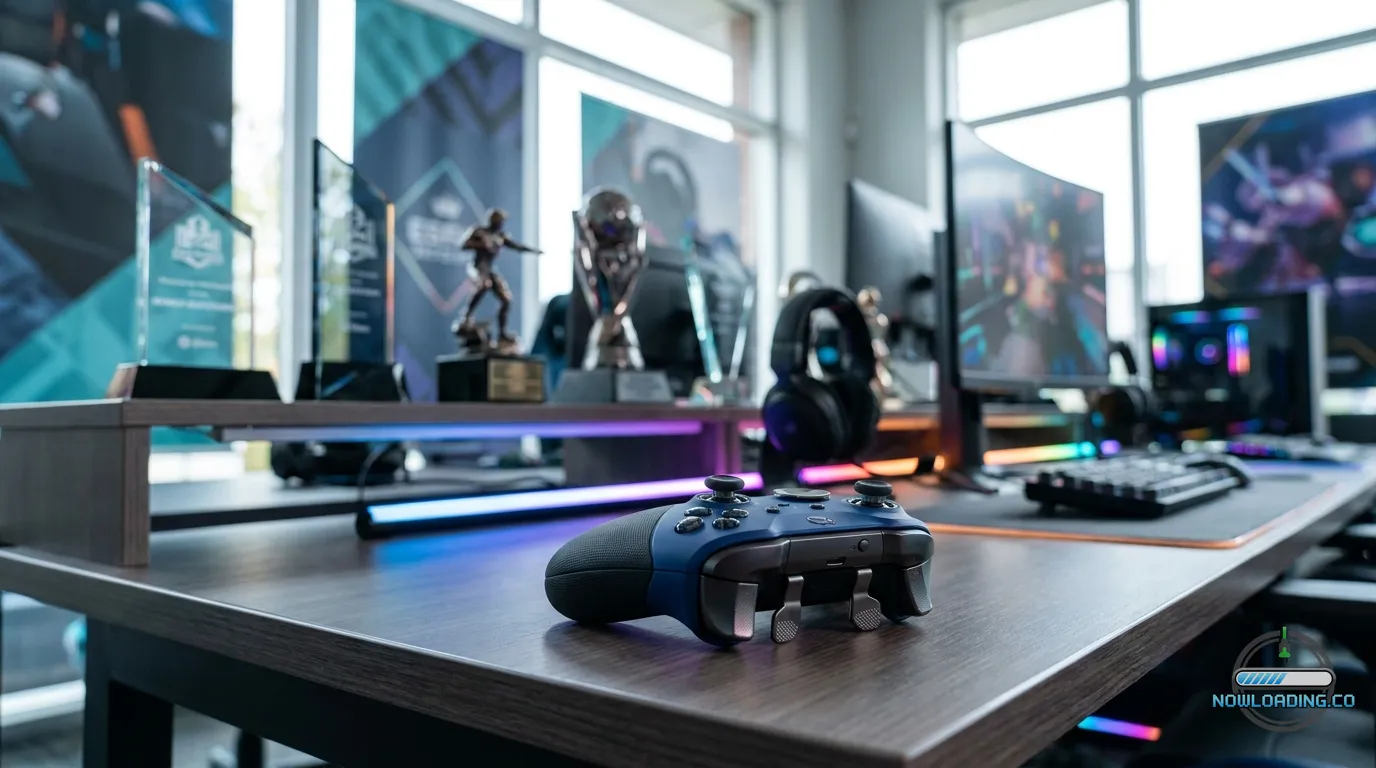
A custom controller cuts down wasted motion. Rear paddles let players jump, slide, reload, or melee without taking a thumb off the right stick, so aim stays steadier while actions happen faster in the middle of a match. Trigger stops shorten travel time. Better stick modules reduce drift and keep centering more stable. Textured grips help hands stay secure during tense moments. In an FPS setup, those changes make everything feel more direct, and that difference can show up fast once live matches start.
Custom controllers also fit a wider hardware trend. Sites like Now Loading have already shown how modern gaming gear is becoming more specialized, whether someone is tuning a full game streaming setup or upgrading a display and desk space for better focus. The controller now sits in that same performance stack, right alongside the rest of the setup.
The 2026 custom controller features that actually improve FPS play
Not every controller feature is worth the cost. In fast shooters, a few upgrades matter a lot more than cosmetic shells or collector branding.
Drift-resistant sticks
Hall effect and TMR sticks are popular for a reason. Their magnetic sensing helps resist the drift that has frustrated players for years. In a shooter, drift is more than annoying. It hurts micro-adjustments, tracking, and confidence. If your budget allows, spend the extra money here.
Trigger stops and instant triggers
FPS games reward fast shots. With semi-auto weapons, burst timing, and quicker reactions, shorter trigger travel helps. Digital or mouse-click style triggers feel really good in twitch shooters.
Rear paddles or back buttons
For many players, rear paddles or back buttons are the biggest skill boost. Put jump, crouch, slide, reload or melee on the back so your thumbs stay on both sticks while moving and aiming, which makes a real difference when things get hectic. Strange at first. Soon, they’re hard to live without.
Grip texture and shell shape
When sweaty hands make a controller slip, every fight feels worse. Rubberized or textured grips help a lot, especially during long sessions.
Software tuning
Deadzone control, stick curve options, and remapping can make a good custom controller feel great. Skip the tuning, and even premium hardware can still feel wrong.
Polling rate, latency, and the truth about fast input
Polling rate is one of the biggest buzzwords in 2026. A higher number makes it sound like performance should be better. But real FPS setup performance depends on the whole chain.
Micro Center says that 1,000 Hz polling equals 1 ms report intervals, while 8,000 Hz equals 0.125 ms report intervals. On paper, that looks like a huge jump. In real use, you may not really notice it if the rest of the system is slower. A controller can send reports very quickly, but your monitor, game engine, platform, and network still add delay.
| Input or Display Metric | Time |
|---|---|
| 1,000 Hz polling interval | 1 ms |
| 8,000 Hz polling interval | 0.125 ms |
| 60 Hz display minimum lag | ~17 ms |
| 120 Hz display minimum lag | ~8 ms |
| 240 Hz display minimum lag | just over 4 ms |
That’s why some players spend too much. If you still play on a 60 Hz screen, switching to an ultra-high polling controller won’t suddenly change your aim. The display alone may add around 17 ms of minimum lag. That’s a lot. At 120 Hz, that falls to about 8 ms. At 240 Hz, it drops to a little over 4 ms. Controller speed matters more when the rest of the FPS setup is already in good shape.
According to Pierre-Loup Griffais from Valve, modern wireless performance can be “very comparable” to other low-latency options when companies implement it well.
very comparable
That still doesn’t mean every wireless controller performs the same way. It means buyers should look at the full design instead of relying on the old idea that wireless is always bad.
Wired vs wireless custom controller setups for an FPS setup
The debate is still alive, and honestly, it’s more interesting now. A few years back, competitive players often saw wireless as a clear compromise. In 2026, that isn’t always true anymore.
Valve engineer Pierre-Loup Griffais also described measured controller response as “only about an 8ms delay following a button press” during a Steam Controller latency discussion. A good reminder: when firmware is solid and the radio design is strong, modern wireless can feel very playable.
only about an 8ms delay following a button press
Choose wired if you want:
- The most consistent connection
- No charging hassle during streams or ranked play
- Simpler troubleshooting
- Less worry about signal noise in crowded setups
Choose 2.4GHz wireless if you want:
- Cleaner desk movement
- Flexibility between couch and desk
- Competitive-ready performance on stronger models
- Less cable drag if that affects your aim rhythm
Serious FPS players tend to trust Bluetooth the least unless the device is known to be really well optimized. For pure competition, wired USB-C is still the safe pick. Simple as that. For mixed use, premium 2.4GHz wireless is now a real option.
A simple rule: wireless can make daily life better for people who stream, travel or switch systems regularly, especially when convenience matters as much as raw consistency. Wired still wins for peace of mind, particularly for players who scrim, grind ranked and want zero surprises.
Building your custom controller step by step
Start with play style, not a parts list, for a good custom controller build. That’s the simplest way to do it.
Step 1: Pick your base shape
Start with the controller shell that feels natural in your hands. If the shape feels off, no upgrade will fix it. Comfort comes first.
Step 2: Upgrade the sticks
If possible, choose Hall effect or TMR. They help reduce drift risk and keep the center feel more steady over time, which matters far more in competitive shooters than flashy art plates.
Step 3: Add rear buttons
Most FPS players do best with two to four rear inputs. At first, keep it simple: map jump and crouch. Later, try reload or melee. Too many changes early on can overload muscle memory.
Step 4: Add trigger stops
Trigger stops are a nice add-on for fast shooters. If your favorite games use a lot of ADS control with analog triggers, test them first before you decide. For many modern shooters, though, a shorter trigger pull just feels great.
Step 5: Tune deadzones and curves
Lower deadzones can improve response, but if they go too low, stick noise becomes a problem. Go slowly. Reduce, test, and repeat.
Step 6: Match the rest of your gear
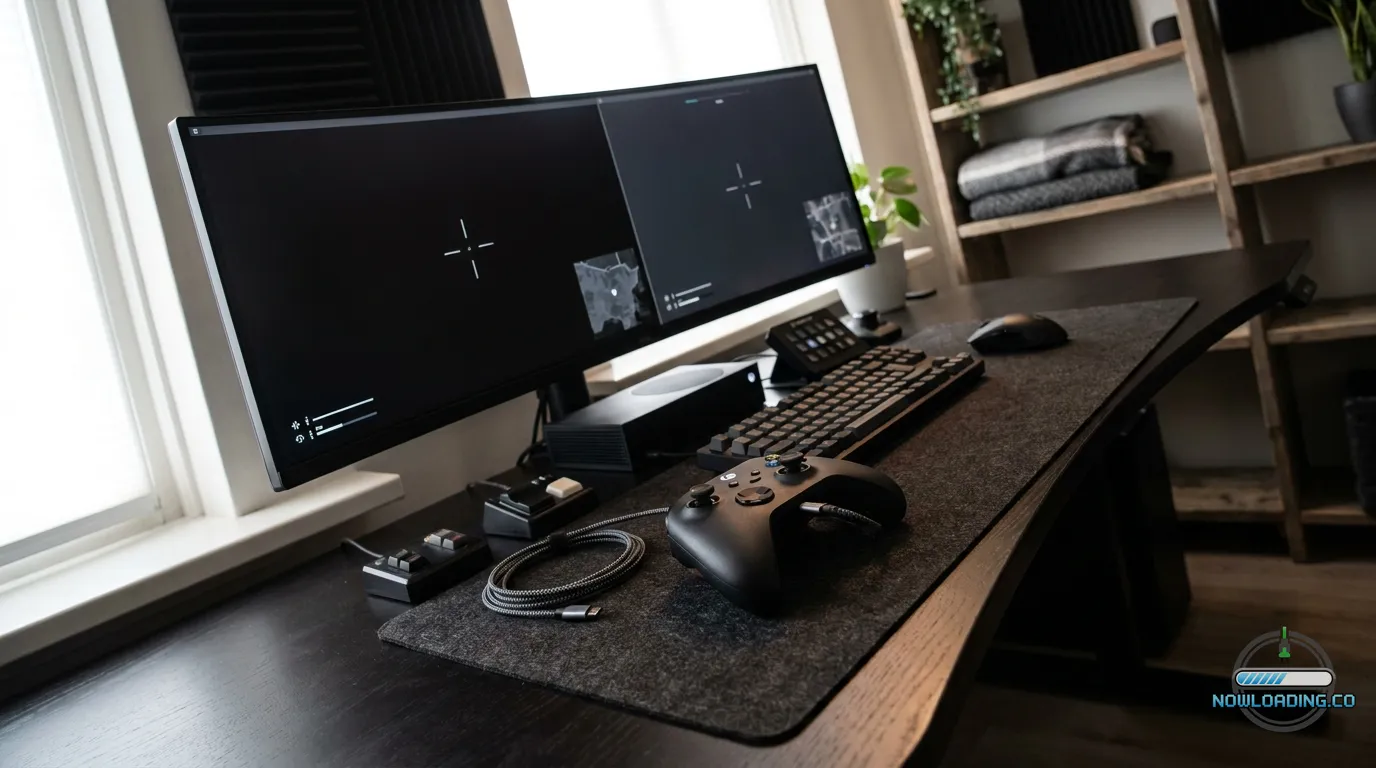
Your controller should fit your full setup. If your monitor, audio or desk layout still needs work, articles on gaming room setup can help you sort out the whole play space, not just the pad in your hands.
The best button maps for movement-heavy shooters
A custom controller helps most when the button map fits the game. Keep your thumbs on the sticks as much as you can.
In arena shooters and other movement-heavy games, put jump on a back paddle first. That makes bunny hops, wall jumps, and chained movement much easier, because you can keep aiming instead of giving that up every time you leave the ground.
After that, the next best back input is crouch or slide, especially in Call of Duty-style games where slide timing can decide an entire duel.
Slower FPS games and tactical shooters may need a different layout. Some players move reload to a paddle so they can stay on target after a pick. Others like melee on the back instead. That can mean fewer panic-clicks on the stick.
Here’s a smart before-and-after example:
Before custom mapping
- Jump’s on a face button
- Crouch is on the stick click
- Reload is on a face button
- Players can lose right-stick aim while moving
After custom mapping
- Jump on left back paddle
- Slide/crouch on right back paddle
- Reload or melee on extra rear button
- Tracking stays cleaner while you move in fights
That small change really changes how fights feel. For players who switch between genres, one profile can work for twitch shooters, while another fits tactical or co-op play. And if someone moves between esports titles and broader PC libraries, Best PC Shooters for Competitive Play in 2026 can also help them see how control needs shift from game to game.
Comfort, wellness, and accessibility are performance features too
A lot of players still treat comfort as a soft issue. It isn’t. It affects performance.
When hands hurt, play gets worse. After two hours, stiff wrists can make aim shaky, and a button layout that causes strain can quietly pull focus away from the match. In any serious FPS setup, ergonomics and accessibility matter.
The issue goes far beyond one niche group. Research cited in a Sage journal article says that 212.6 million Americans play video games on a weekly basis, while Scope UK found that 40% of disabled gamers have bought games they have not been able to play due to poor accessibility. Those numbers make a strong case for flexible control options.
For some players, a custom controller is not about chasing tiny speed gains. It makes games playable and easier to stick with, especially over longer sessions when discomfort starts to build and the standard layout stops working well enough. Useful features include:
- Easy remapping
- Lighter actuation buttons
- Better grip texture for limited hand strength
- More natural paddle placement
- Lower trigger force
- Profiles for fatigue-heavy days
A setup built around comfort also helps streamers. Long sessions put real stress on hands and shoulders, and even small comfort upgrades can help reduce burnout during content creation as the hours add up. Players building a creator-friendly desk around their gear often need that wider hardware view, and Now Loading often covers that broader mindset without reducing everything to pure esports stats.
Common mistakes that can make a custom controller feel worse
A custom controller can be easy to overdo. More mods do not always mean better gameplay.
Mistake 1: Focusing only on polling rate
A fast controller still won’t fix a slow monitor, bad netcode, or messy aim settings. Short answer: no, it won’t.
Mistake 2: Adding too many paddles at once
Four rear inputs sound great, but they can trip up your hands. Start with two, then add more from there.
Mistake 3: Setting deadzones too low
If the stick jitters near center, micro-aim can feel shaky. Lower deadzones aren’t always better.
Mistake 4: Ignoring grip and fatigue
A controller might feel fine for 20 minutes, then feel awful in a long ranked session. Quickly.
Mistake 5: Copying a pro without context
Your hand size, game choice and movement style won’t match theirs, so treat pro settings as a starting point, not a rule.
Setup mismatch matters too. If your router placement, audio delay or platform settings are off, your controller gains can feel small even when the numbers look right. Same idea as in performance guides like Palworld server setup guide: optimization works best when you tune the whole system instead of locking in on one part.
Future trends for custom controller design beyond 2026
The next wave of custom controller design will likely focus on smarter sensors, better software and ergonomics that adapt more naturally to different types of players.
Drift-resistant stick tech will keep improving. Hall effect is already popular. TMR could become even more common in premium builds, especially now that players expect long-term consistency instead of seeing it as a nice extra.
Software will matter more too. Better per-game profiles, faster remap switching and cleaner calibration tools will likely show up more regularly. A custom controller may feel less like one fixed device and more like a flexible input platform that players can adjust as needed.
Accessibility will move closer to mainstream design. Better ergonomics, lighter actuation and modular add-ons help disabled players, and they also help competitive players dealing with fatigue in long sessions.
The best future-facing FPS setup probably won’t have the longest spec list. It’ll balance speed, comfort, reliability and easy tuning. That balance will matter more as players expect gear to fit different games, different hands and different play styles.
Frequently Asked Questions
For most players, rear paddles and drift-resistant sticks give the biggest real benefit. Paddles improve movement while aiming, and better sticks help with long-term precision. If you can only choose one, pick the feature that solves your biggest current problem.
Yes, especially if you play often. They help reduce drift risk and usually offer more stable long-term performance. That means less maintenance stress and more trust in your aim over time.
Not always. Wired is still the safest choice for consistency and easy troubleshooting, but premium 2.4GHz wireless controllers can now perform well enough for serious play. The real answer depends on your controller quality and the rest of your setup.
Start with two. Map jump and crouch or slide first, then test the setup for a week. If it feels natural, you can add a third or fourth for reload or melee.
If you want the bigger picture, Now Loading is useful for guides on gaming hardware, streaming spaces, and future-facing setup ideas. That broader view helps because your controller works best when the rest of your FPS setup is tuned too.
It helps both. Competitive players benefit from faster, cleaner inputs, while streamers benefit from comfort, reliable sessions, and less hand fatigue over time. If you are creating content, a better controller can be part of a more sustainable routine, much like the setup advice found across Now Loading’s hardware coverage.
Put your build into practice
A great custom controller isn’t magic. It won’t replace aim training, map knowledge, or smart decisions, even if the right setup can cut down the small bits of friction that matter in shooters. That still matters.
Here are the big takeaways:
- Start with shape and comfort first
- Prioritize Hall effect or TMR sticks if the budget allows
- Add two rear paddles before trying four
- Use trigger stops for faster shots in most FPS games
- Match controller speed to your monitor and system latency
- Treat comfort and accessibility as core performance features
- Tune deadzones and button maps slowly instead of changing everything at once
The best FPS setup in 2026 is a system that fits your hands, your games, and your goals. Buying every premium part won’t do that by itself. What matters most is fit. If a custom controller helps you move without lifting your thumb, react without overthinking, and play longer without strain, then it’s doing its job and making each session feel easier to trust.
Start simple. Test one change at a time. Keep what helps you stay more consistent. That’s how real FPS dominance gets built.